![logo5.png]](https://help.aware360.com/hs-fs/hubfs/logo5.png?height=40&name=logo5.png)
- Open the SafetyAware app.
- Login using your credentials
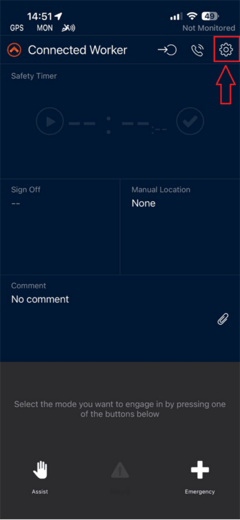
- Go to Preferences by tapping on the “Gear” icon
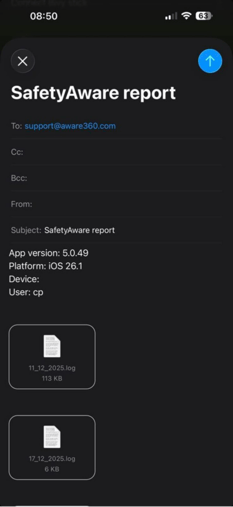
- Tap Send logs to support. This will open a new email with the application log files attached.
Before you send, please add a short description, your name and any relevant timestamps relating to the issue you have been experiencing.